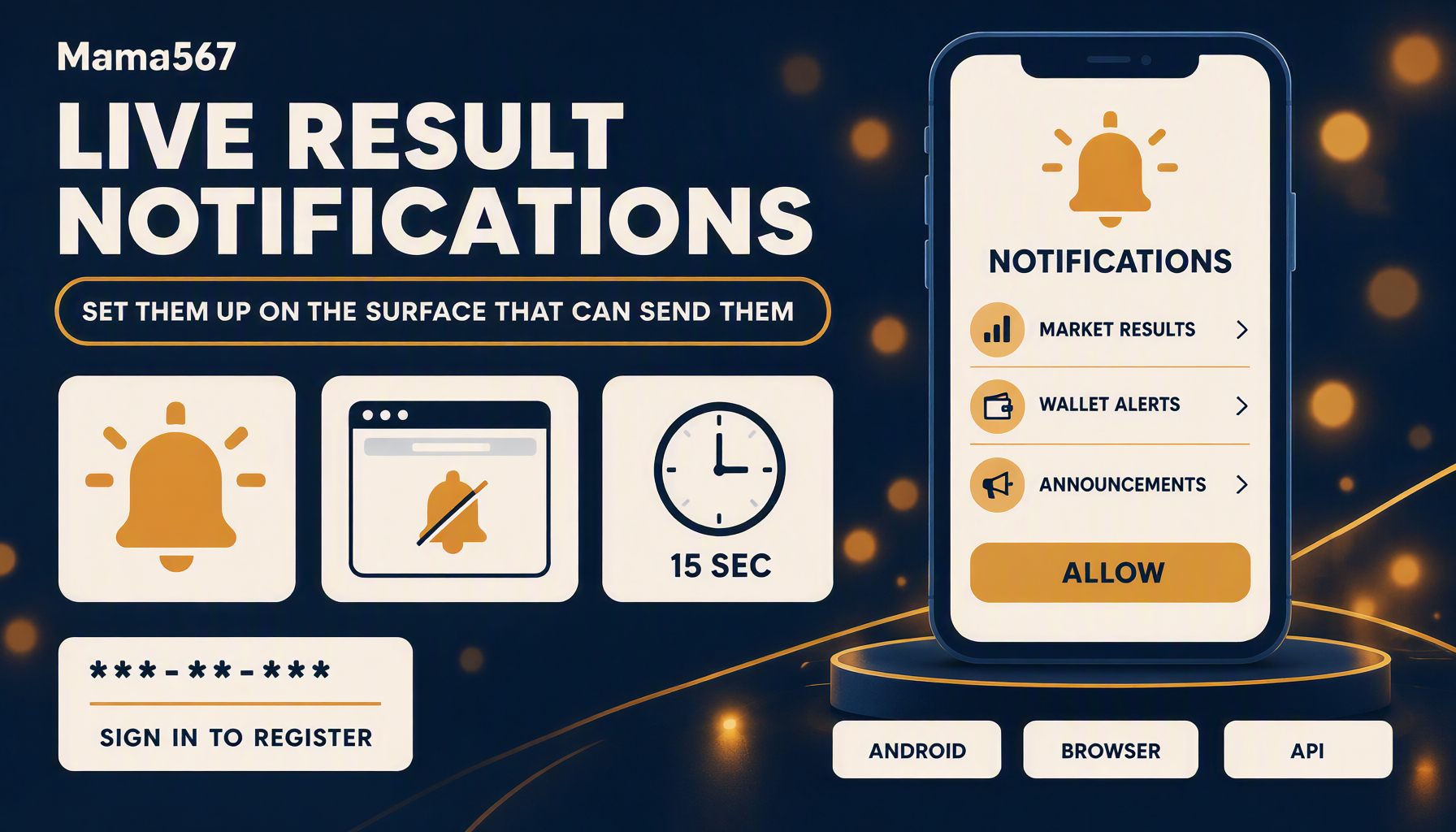
Every guide to satta matka live result notifications opens with a settings screen. This one opens with a census, because on the platform being measured here the two surfaces do not have the same capability, and a set-up guide that pretends otherwise is three steps of tapping through menus that do not exist.
Everything below was measured on 29 October 2026: public reads of this site's API, a source scan of the website, a headless-Chrome measurement of the built site, and strings read out of the shipped Android package. No authenticated endpoint was called and no write endpoint was probed.
Which surface can actually alert you
Three surfaces, one capability.
| Surface | Mechanism present on 29 October 2026 | What it can deliver |
|---|---|---|
| Android app | Firebase Cloud Messaging through the Capacitor push plugin, three notification channels, one token endpoint | System-tray alerts while the app is closed |
| The same app opened in a browser | A permission request, and nothing that uses it | Nothing |
| This website | No service worker, no manifest, no Push API, no Notification API | Nothing at any time |
The middle row is the one people argue about, so it is worth being exact: the app's own code returns early when it is not running as a native package — the shipped string is [NotificationService] Running in web mode. Native push permissions skipped. — and its onboarding screen then asks the browser for notification permission anyway, in a separate line that runs regardless of platform. A scan of the whole bundle finds 0 occurrences of new Notification(, showNotification, PushManager or subscribe(. So a browser grant to the app build is a permission with no consumer: the prompt appears, and nothing can ever arrive on it.
Turning alerts on in the Android app
The package this site publishes is 5,758,251 bytes, SHA-256 beginning 39d41929017e — the same file the download guide hashes and the troubleshooting guide reads. Inside it:
- 8 Capacitor plugins are registered, one of them
@capacitor/push-notifications, whose class path iscom.capacitorjs.plugins.pushnotifications.PushNotificationsPlugin. - The decoded manifest declares a service named
com.capacitorjs.plugins.pushnotifications.MessagingServicefiltered on the actioncom.google.firebase.MESSAGING_EVENT, plus Google's owncom.google.firebase.messaging.FirebaseMessagingServiceand the install-referral receiver. - Of its 7 requested permissions, the relevant one is
android.permission.POST_NOTIFICATIONS— the runtime permission that only exists from Android 13 — alongsideVIBRATEandWAKE_LOCK. targetSdkVersionis 36 andminSdkVersionis 22.
That combination is what makes the prompt behave the way it does. A targeting level above 33 means the OS will not grant notification permission silently: somebody has to tap Allow, and on Android 13 and later there is exactly one system prompt per app. The app puts that prompt in front of you before the first screen, on a page whose heading in the bundle is Ok ! We Need some Access and whose card reads Notification with the line "This permission is required to receive important notification and updates from our team."
So the set-up, in order:
- Install the package and open it. The permission card is the first thing the app shows.
- Tap Allow. The shipped code then asks the OS, and if the answer is granted it calls
register(), which is the Firebase registration. - If you tapped Don't allow, do not look for the prompt inside the app. There is no re-ask path in the bundle. Open the system app settings for Mama567, then Notifications, and switch the channel entries on there. Labels differ between Android skins, but the channel names below are the app's own and are what you will see listed.
- Sign in. This is the step guides miss, and it is architectural: the token is sent to the server tied to your session, and logging out takes it back.
On iPhone, stop here. No iOS build was inspected for this page, so there is no evidence about what it registers, and I am not going to describe a permissions sheet I have not opened.
The three channels, and what each is really for
Android 8 and later route alerts through named channels, and an app has to create them. This one creates three, read verbatim out of the bundle:
| Channel id | Name in the OS list | Importance | Its own description |
|---|---|---|---|
market_results |
Market Results | 4 | "Instant Open and Close results for all Matka markets" |
wallet_alerts |
Wallet & Winning Alerts | 5 | "Winning bid alerts, deposit & withdrawal status updates" |
general_broadcast |
General Announcements | 3 | "Important announcements, bonus alerts, and promotions" |
Two things in that table matter more than the steps.
First, the results channel — the one the keyword in this page's title is about — is the second-most important of the three. The wallet channel is importance 5, the highest the API allows, and it is the one that will interrupt you. A reader who expects "result alerts" to outrank "deposit confirmed" has the platform's own priorities backwards, and the priorities are set in code, not in your settings.
Second, the third channel is a marketing channel, described in the app's own words as carrying "bonus alerts, and promotions". Enabling notifications on this platform is not only opting into numbers; it is opting into a promotion feed that the same app is obliged to create. The results channel at least sets lights: true with an indigo light colour, while the announcements channel sets lights: false — small detail, but it shows the three were configured individually rather than defaulted.
If you want the declarations and not the promotions, switch General Announcements off in the system list and leave Market Results on. That is the whole of the fine-grained control the app offers a reader.
What has to be true for an alert to reach you
The registration is a network call, and the shipped client shows its shape:
registerFcmToken(token, deviceType)
  → POST /auth/fcm-token
    body: { fcmToken, deviceType, deviceId }
unregisterFcmToken(token)
  → POST /auth/fcm-token/unregister
    body: { fcmToken }
The token also lands in local storage under the key fcm_token, and the unregister call runs on the way out. In the shipped client deviceType defaults to the string "ANDROID" and deviceId to null. Read together, those facts explain most of the "my notifications stopped" reports that a support queue collects:
- You are logged out. Logout is a deliberate deletion of your registration, and it does not come back until you sign in and a token is issued again.
- You cleared app data or reinstalled. The stored token is gone and Firebase mints a new one; the old registration on the server is stale.
- You denied the permission. No token is ever requested, because registration only runs on the granted branch.
- The device has no Play services. Firebase Cloud Messaging delivers through Google's transport. A sideloaded package on a device without it can register with the app and still receive nothing — the same dependency the app-not-working guide runs through for the other layers.
None of this was tested against the server. /auth/fcm-token is a write endpoint behind a session; reading its name out of the client is evidence that the app calls it, and nothing here proves what the platform does with the token afterwards. That boundary matters, because the honest limit of a set-up guide is this: the app can hand you a registration; nobody can promise you a sender.
The website has no notification surface, counted rather than asserted
The calendar ask for this page was "enable browser notifications". Here is what the browser side actually contains, from the same census method the mobile-optimisation measurements use:
| Check, 29 October 2026 | Result |
|---|---|
| TypeScript/JSX files scanned | 33 |
| Occurrences of service-worker, Push or Notification APIs | 0 |
| Built files scanned | 289 |
| Service worker scripts in the build | 0 |
Pages with a <link rel="manifest"> |
0 of 96 routed pages |
Notification.permission on a fresh profile |
default — never asked |
| Service-worker registrations after load | 0 |
The zero that is easiest to misread is the last-but-one. PushManager exists in every modern browser, so 'PushManager' in window is true on this site as it is on any other; what is missing is the registration that would let the site use it. Push requires a service worker, and a service worker requires a script the site never ships. No browser setting, notification permission or Chrome flag changes that. A site cannot push you without a file that can be pushed to.
Worth naming out loud, because it is a scam surface: if a matka page in your browser shows a prompt saying it will send you result alerts, it is not this one. It is either a different operator's site or a page faking the prompt to get a permission it will use for advertising. The permission is standing, and revoking it is one of the checks in the safe-browsing guide.
The 15-second poll, and what it is not
The website does have one live mechanism, and it is four lines deep in a component. src/pages/Home.tsx:162 runs setInterval(fetchData, 15000), and each tick issues three requests — /markets, /markets/settings and /markets/game-rules/rates.
That was measured, not inferred. Loading the built site in headless Chrome on 29 October and counting requests to the API:
| Window | Requests observed |
|---|---|
| Foreground, 60 seconds | 12 |
| Page frozen, 60 seconds | 0 |
| Back to active, 20 seconds | 3 |
Twelve in a minute is four ticks of three endpoints, and the intervals between tick groups came out at exactly 15 seconds. Scaled: 720 requests an hour, 8,640 in a twelve-hour day of leaving the tab open. The frozen window is the finding. A page the browser has stopped for inactivity issues nothing at all — which is the precise hole a notification exists to fill, and the reason a poll is not a poorer version of an alert but a different thing.
One more count, because it reorders what the site is for: of the 96 routed pages, 1 contains a timer. The page named Today's declared results is built from the committed snapshot, the same file the charts are built from, and it does not refresh in your browser at all. The homepage is the only surface here that moves.
This page is itself the 97th routed page, so the census above ran against a build that did not contain it. Every 96 in this section is the honest count of a site with one page fewer, and the 97th row of that table would still read zero.
The announcement feeds are empty, and nothing reads them
A results platform that wanted to talk to its readers already has the pipes. This one exposes two of them, and both were read on 29 October 2026:
GET /api/markets/notices
  → {"success":true,"notices":[]}
GET /api/markets/banners
  → {"success":true,"banners":[]}
Zero items in each. And the website's own client — which defines a function for both — never calls either one. Of its six data functions, three have exactly one reference in the source: their own definition.
| Client function | Endpoint | References in src/ |
|---|---|---|
fetchPublicSettings |
/markets/settings |
7 |
fetchLiveMarkets |
/markets |
3 |
fetchGameRates |
/markets/game-rules/rates |
3 |
fetchMarketCharts |
/markets/{id}/charts |
1 |
fetchNotices |
/markets/notices |
1 |
fetchBanners |
/markets/banners |
1 |
Half of the website's API client is unwired, and one of the three dead functions is the notices feed — the closest thing on the platform to an announcement channel. That is the same shape the platform-evolution measurement found from the other direction: the archive endpoint exists, is called by the app, and is not called by the site. Capability and wiring are different facts, and a reader is only ever shown the wiring.
What the site does render is one string from the settings response. The response has 17 fields, none of whose names contain notification, push or alert; one of them is noticeText, and the home page prints it under a loudspeaker glyph. On 29 October it read, exactly: "Fast Market Updates & Instant Results in our App!"
The website, in other words, advertises a capability it does not have, on the surface that does have it. Fair enough as marketing — and worth stating plainly here, because it is the sentence that brings readers to this page looking for a switch that does not exist.
What an alert would be announcing
The registry is the clock the whole idea runs on. From the same 29 October read: 32 markets, drawn across three weekly schedules — 23 markets every day of the week, 6 Monday to Saturday, 3 Monday to Friday. That is 212 market-days a week, and every market-day has an open and a close declaration, so 424 declarations a week — 60.6 a day, if a reader wanted an alert for each one.
That number is the practical answer to "should I turn everything on?" You should not. Sixty interrupts a day is a channel you mute, and a muted channel is indistinguishable from an unbuilt one. The market timing guide makes the same point about windows: most of the registry is not something you can follow.
And the declarations do not arrive when the clock says they should. At 11:22 IST on 29 October, three markets had already passed their published close times — 10:40, 10:50 and 11:00 — and the registry reported 0 of 32 markets with an open result declared, 0 with a close result declared, and all 32 result fields masked as ***-**-***. The rendered home page at four seconds after load and again at thirty-five showed 96 masked result cells and zero pana-shaped numbers, byte for byte the same.
A declared number is an act, not a computation. The platform measurement found the operator path for it in the same bundle; the verification guide shows what arithmetic you can run once a number exists, and the live-results walkthrough how to read it. A notification shortens the gap between a person typing and you seeing. It cannot shorten the gap before the person types — and it will happily tell you nothing happened.
Six checks before you trust an instant-result alert
- Ask which surface is talking to you. No website without a service worker can push you. The census above shows how to check in sixty seconds.
- Check the channel names, not the app name. Three named channels is three different things being announced, and only one of them is a result.
- Confirm you are signed in and the token is live. Logout deletes the registration in the shipped client, and it does not restore itself.
- Compare the alert with the page. If the push says a number and the page still shows a mask, you have two timestamps and one claim — that is a verifiable disagreement, not a coincidence.
- Time it against the close. A result alert arriving before the market's close time is announcing something the schedule says cannot exist yet.
- Treat promotion traffic as a reason to mute. A channel that describes itself as carrying bonus alerts is not a results channel, whatever the app promised on the way in.
If you want the numbers and not the noise
There is no notification setting on this website to enable, and no service that will enable it for you. What does exist, on the same evidence:
- The dated machine-readable file.
/data/chart-snapshot.jsoncarries its owngeneratedAt, and the editorial and data policy says how the pages built from it are regenerated and how stale they are. It is a poll you can run yourself, on a schedule you choose. - The homepage timer, if you want the live board: 15 seconds, three requests a tick, and only while the tab is alive.
- The one contact route the site actually publishes, which is a messaging link rather than an alert feed — enumerated in the support guide, which counts the channels without repeating their numbers.
- The app, if you want push proper, on the terms described above: three channels, one of them a promotion feed, and a registration that a logout deletes.
The useful conclusion is not "notifications are coming". It is that on this platform the alerting capability is entirely in the app, the app's own promise of instant results is a channel it configures at importance 4 behind a wallet feed, and the browser — which is where most readers are standing, reading a homepage that asks them to install something — has no path to an alert at all. Set up your notifications on the surface that can send them, or use the dated file and stop pretending a tab is a delivery channel.
Satta matka is illegal in most Indian states; check the law where you live. Mama567 is an information platform — it does not accept wagers or sell predictions, and no number here is presented as more likely than another. 18+ only.