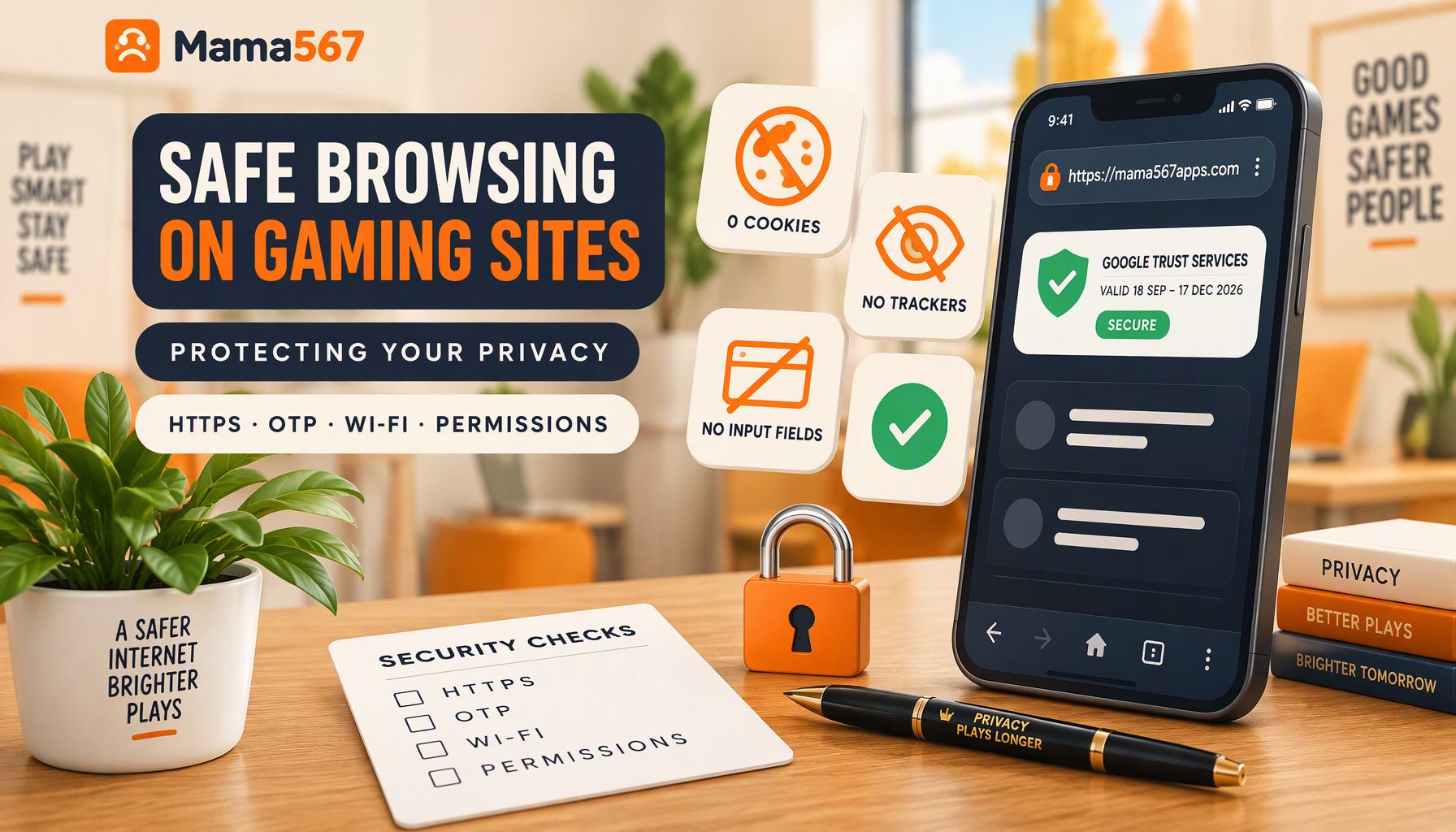
The short version
"Safe browsing" advice is usually generic, and generic advice is unverifiable by the person following it. This page does the opposite: every claim below was measured on 24 October 2026 from four sources — the live site's response headers, its own TLS certificate, the 97 pages of its built output (the page census was re-counted on 29 October, after more guide posts joined the build; the header and certificate readings below are still the 24 October ones), and the binary Android manifest inside the APK it ships — and the gaps are printed next to the strengths.
| What was measured | Result on 24 Oct 2026 |
|---|---|
Set-Cookie headers on three live pages |
0 |
| Script files loaded by a built page | 1, first-party, from the site's own domain |
| Third-party analytics or advertising code in the build | none found by an exact-string sweep |
| Functioning form fields across the whole site | 0 (eight disabled checkboxes in one older guide's illustrative list) |
| External destinations linked from built pages | 6 hosts: this site's own canonical host, cybercrime.gov.in, gamblingtherapy.org, gamblersanonymous.org, one Wikipedia article, one WhatsApp contact link |
| HTTP → HTTPS | 301 redirect on both the site and its API subdomain |
HSTS header (Strict-Transport-Security) |
absent |
| Content-Security-Policy header | absent |
Two of those rows are admissions, not achievements. They are printed because a privacy page that only lists strengths is advertising, and this site's editorial policy does not do advertising.
Verifying the padlock, with this site's own certificate
The brief behind this page says "verify HTTPS", so here is what verification looks like when it is done to a site you are reading right now.
Tap the padlock in the browser's address bar and read three fields: issuer, domain, validity. For mama567apps.com, measured on 24 October 2026:
| Certificate field | Value |
|---|---|
| Issued by | Google Trust Services (intermediate CA WE1) |
| Domain on the certificate | mama567apps.com exactly |
| Valid from | 18 September 2026 |
| Valid until | 17 December 2026 |
| Length of validity | 90 days |
Three things a reader should take from those fields. First, the domain is the check that matters: a certificate proves the operator controls the name printed on it, so the letter-for-letter match between the certificate and the address you intended is the whole test. mama567apps.com and a lookalike domain with an extra character are different sites with different certificates, and the padlock alone will not tell you which one you are on. Second, a 90-day validity is normal, not a warning — certificates this short are renewed automatically, and a long-validity certificate would be stranger. Third, the padlock is about the pipe, not the house: it confirms the connection is encrypted, and confirms nothing about who is at the other end or whether their content is honest.
Two transport facts measured on the same date are worth knowing. Typing plain http://mama567apps.com into a browser returns a 301 redirect to the HTTPS version, and the same is true of the API subdomain the homepage results board polls every fifteen seconds. But the site does not currently send an HSTS header — the instruction that would tell your browser "never attempt plain HTTP here again" — so that protection depends on you typing or bookmarking the HTTPS address. That is the first gap on this page, and it is the reason the single most useful safe-browsing habit costs nothing: reach sites by typing the address or using a bookmark, never by clicking a link that arrived in a message.
What the site can and cannot collect
The site's privacy policy (last updated 11 October 2026) makes three claims: no accounts, no payments, no advertising or analytics cookies. On a page about safe browsing, a policy is a claim to be checked, not a promise to be repeated — so here is the check, run against the built site rather than the policy text.
- No input surface. A census of all 97 built pages finds zero functioning form fields. The only
<input>elements on the entire site are eight disabled checkboxes inside an illustrative list in one older guide. There is no field anywhere that accepts what you type — no email box, no phone box, no "leave a comment" — so there is nothing on this site to phish and nothing to leak. - One script, and it is ours. Every page loads exactly one script file, served from the site's own domain. An exact-string sweep of the build for the fingerprints of common analytics and advertising families — the Google and Facebook tags, Plausible, Matomo, Hotjar, Sentry, Amplitude, and the rest — found no tracker code. The other scripts on a page are inline JSON-LD metadata, which is data for search engines, not code that runs against you.
- No cookies are set. Zero
Set-Cookieheaders were returned on the pages checked. Combined with the absence of accounts, this means the site cannot stitch your visits together across days — there is no identifier to stitch with. - What remains visible anyway. None of the above makes you invisible. The hosting provider's logs — described in the privacy policy — record IP address, browser type and timestamps, as they do for every website on the internet, and your network operator sees which domain you connected to even over HTTPS. A results site can choose not to track you; it cannot make the internet stop having pipes.
The practical summary for a reader deciding whether to open a chart on this site: the pages ask for nothing, store nothing in your browser, and load nothing from anyone else. The honest residual risk is not data collection — it is believing something false that a results page printed, which is why this site's series keeps teaching how to check live results arithmetic-first.
Public Wi-Fi: what is actually at risk
"Use secure Wi-Fi" is in every safety brief, including this page's own. It is worth being precise about what the risk is on a site like this one, because the answer is smaller than the advice implies — and larger in one specific place.
On a shared network, other users of that network can see that your device contacted mama567apps.com. The domain is visible even over HTTPS; the page contents, the results and the charts are not. For a read-only session with no login, no payment and no personal data — which is what this website is, per the census above — the worst case is that someone nearby learns you read a matka chart. That is a privacy exposure you may genuinely care about; it is just not an account-theft exposure, because there is no account.
The calculation changes the moment a screen has a session. This site's homepage board fetches results continuously, and the Android app holds a login: it stores session tokens in its local storage under the names matka_token, matka_refresh_token and matka_user, and it clears them on logout. A session on a device you do not control — a borrowed phone, a cyber-café machine — is the scenario where "use a network you trust" graduates from advice to requirement, and where logging out rather than closing the tab is the difference between a token that lives on and one that is gone.
OTPs: where they are real, and where they are a weapon
The calendar brief for this page says "not sharing OTPs", and the site's own safety posts already teach the rule. What this page can add is where, specifically, an OTP exists in this product family — because that boundary is the whole defence.
- On the website: nowhere. There is no login, no form, no OTP field, no code entry box of any kind. If a page presented as Mama567 asks you to type an OTP or a phone number, it is not this website — check the address against the certificate, letter for letter.
- In the Android app: real. The app's own code contains its login and OTP machinery — the strings
sendOtp,verifyOtp,VERIFY_OTPandFORGOT_OTPare part of its account flow. That is the one legitimate context in this product family where a one-time password can arrive. - On a phone call or in a chat: never. The moment an OTP leaves the screen where it was generated, it is a credential handed to whoever asked. The payment safety guide documents the "support agent" pattern in detail; its one-line rule is worth repeating here because it survives every variation a scammer invents: no legitimate support channel needs your OTP, so whoever asks for it defines themselves by the asking.
Attempts belong in a report, not in a warning to friends. India's national cybercrime reporting portal is linked from three of this site's safety guides, and reporting is what makes the pattern traceable — the same reason this site prefers printed, dated measurements to recited assurances.
The Android app's privacy surface, decoded from its own manifest
The app is a separate product from the website, and the website's privacy policy says so plainly. Since this page is about what a reader's device is exposed to, the honest source is not a description — it is the manifest inside the APK itself, which was decoded on 24 October 2026 (the app measures 5,758,251 bytes, and its SHA-256 fingerprint is published and continuously re-verified by the installation guide).
What it requests: five permissions — INTERNET, ACCESS_NETWORK_STATE, POST_NOTIFICATIONS, VIBRATE and WAKE_LOCK — plus Google's push-delivery internals (c2dm send/receive). What it does not request is the more informative list: no SMS access, no contacts, no camera, no microphone, no location, no storage. An app that cannot read your messages cannot read your OTPs.
What it declares, honestly: two manifest flags deserve a reader's attention, and both are quoted here rather than smoothed over.
usesCleartextTraffic=true— the app tells Android it may speak unencrypted HTTP. What the shipped code actually does is different: its one API base ishttps://api.mama567apps.com/api, and no plain-HTTP URL exists anywhere in its bundle. The permission is broader than the behaviour. That is a real gap in the app's configuration — a future code change could use it without asking anyone.allowBackup=true— the app's local data, which includes that session-token storage, is eligible for Android's automatic device backups. On a device you control that is a convenience; on a device that is shared or handed over, "the session token survived" is exactly the exposure the logout habit closes.
Who it talks to about payments: the manifest's <queries> block lists exactly five packages — Google Pay (com.google.android.apps.nbu.paisa.user), PhonePe, Paytm, the NPCI UPI handler, and CRED — plus the UPI and upi-callback deep-link schemes the deposit flow hands off through (mama567, gama567 and dpboss777 as callback schemes). That list is the app's entire payment surface: it hands you to a UPI app you chose, and it does not contain any card-processing SDK. The wallet mechanics and their risks are the account and wallet guide's subject, not this page's.
The three honest gaps
A safe-browsing page that ends without naming its own site's weaknesses would be the least trustworthy object on this site. Measured on 24 October 2026, and printed here so the next measurement can check whether they were fixed:
- No HSTS. The site redirects plain HTTP, but it does not send the header that pins a browser to HTTPS after the first visit. Until it does, first-visit protection is your typing, not the site's configuration.
- No Content-Security-Policy. The response headers include
X-Frame-Options: SAMEORIGIN,X-Content-Type-Options: nosniff,referrer-policy: strict-origin-when-cross-originand apermissions-policythat denies camera, microphone and geolocation — but no CSP, which is the header that would constrain what a successfully injected script could do. The one-script, no-third-party-code build shrinks that attack surface to nearly nothing; the header would finish the job. - Cleartext permitted in the app. As above: the manifest's
usesCleartextTraffic=trueis broader than the app's actual HTTPS-only behaviour, and it will stay on this list until the flag is flipped.
The general lesson transfers to every site a reader visits: the strengths a site advertises are easy to find, but the header a site does not send is discoverable by anyone with a curl command or a header-inspector extension, and it is where the real differences between sites live.
What "browse securely" cannot promise
The calendar's CTA for this page reads "Browse securely on Mama567.com". Two problems with it, and both are instructive.
The first is the domain. This site's address is mama567apps.com — every canonical link on every one of its 97 pages says so. A call-to-action that names an address other than the one it appears on is precisely the mismatch this page teaches readers to notice, so it stays out of the conclusion and the checklist stays in.
The second is the word. "Securely" is not something a publisher can hand you with a slogan; it is a property of what happens on your side of the glass — the address you typed, the certificate you read, the OTP you refused, the logout you did. What this site can honestly say is narrower: the pages ask for nothing, set no cookies, load one first-party script, and publish their gaps. Everything a reader adds to that — bookmarking the address, checking the padlock, refusing credential requests — is theirs, and no site can do it for them.
A two-minute checklist you can run yourself
Each step below takes seconds and none requires trusting this page's word for anything:
- Type the address or use your bookmark. Not a link from a message, not a search-ad result.
- Read the padlock. Issuer, domain, dates. The domain on the certificate must match the address you meant, letter for letter.
- Look for a login you were not offered before. This website has none — no field exists to type into. A login box on a "results" page is the red flag itself.
- Refuse any OTP request made in conversation. Whoever asks — by phone, chat or email — has defined the interaction.
- On the app, check permissions in system settings. The manifest's five permissions are the complete list this page measured; anything beyond
INTERNET, network state, notifications, vibration and wake-lock in the app's settings screen is a question worth asking. - Verify the APK before installing it, using the size and SHA-256 published on the installation guide. One comparison; it settles the "is this the real app" question permanently.
And when the browsing stops being about results and starts being about money: the responsible gaming guide and what responsible gaming means cover the habits that protect the rest of the evening, and gamblingtherapy.org is there when habits need help.
Where to go from here
- Privacy policy — what the website collects (server logs) and does not, dated 11 October 2026.
- Account and wallet security — the app-side counterpart to this page: tokens, sessions and bank binding.
- Payment information safety — deposit fraud patterns and where to report them.
- Safe APK installation — the fingerprint check, step by step.
- How to check live results — verifying content, which is the other half of trusting a site.
- Editorial policy — how pages like this one are supposed to be written and corrected.
Mama567 records declared results and publishes charts. It takes no wagers, sells no tips, asks visitors for nothing, and publishes no prediction on this page or anywhere else; satta matka is illegal in most Indian states, and nothing above is advice. 18+ only.
For the contact routes this site actually offers, and why no page here prints a support number, see How to contact Mama567 customer support.
One check above deserves its own measurement: the notification permission a browser prompt asks for. On this site nothing asks, because nothing on the browser side can use a grant even if you gave one — the census, down to the zero service workers in the build, is in How to Set Up Notifications for Live Market Declarations.
For information only. Mama567 publishes results and charts, and does not offer predictions or guessing services. Adults 18+.