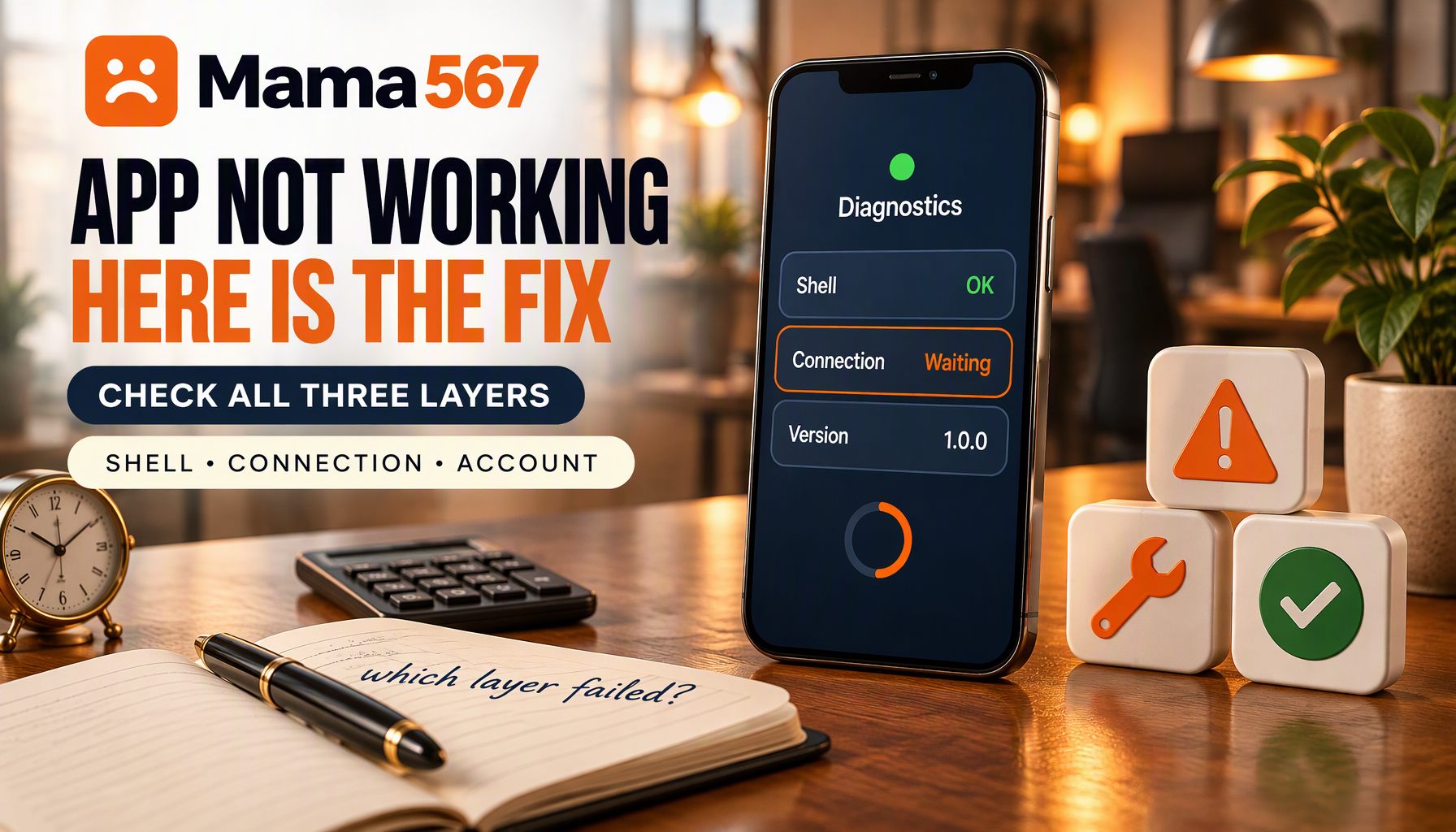
When the Mama567 app stops behaving, the instinct is to treat it as one problem. It is three problems wearing one coat, and they are worth separating before you touch any setting, because the fix for the wrong one wastes the time you would rather spend elsewhere.
The separation comes from how the app is built. Mama567 for Android is a web app inside a native shell: the screens themselves are packed into the installed file, and everything that changes — markets, declarations, rates, your own account state — is fetched from one data service when you need it. That single fact explains most of the symptoms below. It also means the app can look perfectly healthy and still show you nothing, because a healthy shell with no data still draws a screen.
Find the failing layer before you fix anything
| Layer | What lives there | How a failure looks |
|---|---|---|
| The shell on your phone | Every screen, layout and animation | Stuck on the launch screen, blank panels, the app closing itself |
| The connection | Market list, live declarations, charts, rates | The offline banner, numbers that never move, spinners that go nowhere |
| Your account and server settings | Sign-in state, switches, limits, windows | Being logged out, an action refused with a specific message, a payment that will not start |
Run the triage in this order; it takes about two minutes and each step narrows the list.
Open the website in a browser on the same phone. If today's results load there, the phone has internet and the data service is answering. Everything in the second row above is then off the table, and you are dealing with something local to the app. If the website loads but you cannot find the screen you want, that is usually a navigation problem rather than a fault — on a small screen the whole directory sits behind one menu button, which navigating Mama567 on a phone walks through.
Look for the offline banner. The app watches for the connection coming and going, and when it loses it, it says so plainly above the bottom navigation: No internet connection. Waiting for network... If you can see that banner, you have your diagnosis without needing to guess. When the connection returns, the app re-requests its data and tells you the internet is back.
Notice where it stopped. The installed file carries its own launch screen — the logo on a pale gradient with a small line of version text at the bottom. If you are still looking at that screen after a few seconds, the app code never took over, which is a shell problem, not a data problem. If the launch screen disappears and you get a blank or half-drawn page instead, the shell started and something downstream failed.
Write down the version you are on. Android Settings, then Apps, then Mama567 shows the version of the installed package. Support will ask for it, and it decides whether an update check is even worth doing.
The offline banner and numbers that will not move
This is the largest group of reports, and the least alarming. The app talks to one host for everything, so any interruption — a lift, a tunnel, a mobile plan that has run out of data, a VPN that quietly blocks the address — produces the same frozen board.
Work through it in this order:
- Pull to refresh on the screen you are on.
- Leave the app for a few seconds and come back. Returning to the foreground triggers a state sync, which is why a stuck screen sometimes resolves itself the moment you switch back.
- Turn off any VPN or data-saver mode, then retry. Data savers in particular can suppress background requests a live board depends on.
- Check the same data in a browser. If the browser is also stuck, the service is unreachable for everyone, and nothing you do to the app will help.
One distinction saves a lot of frustration: the live board and the charts are different things. The board re-requests on a timer and is meant to move under your finger. The pana and jodi charts are built from a dated snapshot and only change when the site republishes it, so a chart that looks frozen is behaving exactly as designed. If you have been waiting for a chart row to appear, read how results are declared and refreshed before you conclude anything is broken.
Being logged out, and what "session expired" actually says
The app keeps a sign-in token and a refresh token on the device. When the service rejects a request as unauthorised, the app does not give up immediately — it uses the refresh token to ask for a new session and replays the request that failed. Only when that second step fails does it clear its stored tokens and send you back to the start with a message that your session has expired.
Read that as an outcome rather than a fault. It happens when a session was ended on the server side, when the refresh request could not reach the service, or when the local copy of the tokens was removed — which is exactly what clearing storage does. Signing in again resolves it, and nothing else about the app changes.
This is the single most important thing to understand before you follow any advice that says "clear the app data": it logs you out, and it resets which opening screens you have already accepted. It is a legitimate step, but it is a step backwards, so take it in the right order.
Clearing cache in the right order
There is no cache control inside the app. Everything happens in Android's own settings, and the two buttons there are not interchangeable.
| Step | What it does | What you lose |
|---|---|---|
| Close and reopen | Forces the foreground sync again | Nothing |
| Clear cache | Drops temporary files the system keeps for the app | Nothing you care about; you stay signed in |
| Clear storage | Wipes the app's local data, including sign-in tokens | Your session and which intro screens you have seen |
| Reinstall | Replaces the shell | Nothing if you install over the top; everything if you uninstall first |
Do not skip straight to the last two. The ladder exists because each rung costs more than it fixes until the diagnosis actually calls for it.
Updating the app: there is no updater
Worth stating plainly, because readers assume the opposite: the Mama567 app contains no update checker and no self-installer. It will never show you a banner saying a newer version is available, and a version that has been superseded has no way of knowing it.
That makes checking a manual habit. Compare what Android Settings reports for the installed package against the version on the download page, and install over the top if they differ — the build this site distributes at the time of writing is 1.0.0, and that guide prints the file's exact size and checksum so you can confirm what you fetched. Installing over an existing app keeps its data, so you stay signed in. Uninstalling first does not.
The corollary is that server-side changes reach you without an update. The switches, windows and limits the app obeys come from the data service each time it loads, which is why a behaviour can change on your phone while your installed version stays the same. When something looks different rather than broken, that is usually what happened.
Notifications that never arrive
Push messages reach the app through the phone's push service, and two things have to be true at once.
The permission has to be granted. On current Android versions notifications are off until you allow them, so check Settings, then Apps, then Mama567, then Notifications. The app declares the permission it needs, which means it is asking for something the system will not hand over by default.
A session has to be active. The device token the service writes to is registered while you are signed in and deliberately unregistered when you sign out. A signed-out app is a deaf app, by design — so if notifications stopped after you logged out and back in on another device, sign in again on this one before investigating further.
If both are true and nothing arrives, check that battery optimisation has not put the app to sleep, which is the usual remaining cause on aggressively power-managed phones.
"Betting has been disabled for your account"
This message appears when you try to submit a slip, and it is not a bug or a network failure. Before sending bids the app checks whether your account is permitted to place them, and if the answer coming back from the server is no, it stops and tells you to contact support. Nothing on your phone will change that answer.
The same is true of the other refusals on those screens — an entry that is not a valid number for the game, a stake below the minimum or above the maximum for that market, a balance that does not cover the slip. Each is a validation the app performs against limits it fetched from the server, and each names the problem it found. Read the message rather than working around it; a rejected slip is a slip that did not go through.
Deposits that come back unverified
The payment flow is where the honest answer is least satisfying, so it is worth explaining properly.
The app opens your UPI app and hands the payment over. From that moment it cannot see what you do. It waits for you to come back, and when you do it reports the return as unverified — not successful, not failed — because the only thing it actually knows is that you returned. If it does not hear back at all within its waiting window, it stops listening rather than guess.
So an unverified deposit is a genuine unknown, and the correct response is to stop and check rather than to try again:
- Do not repeat the payment while the first one is unresolved. A second attempt is a second real payment.
- Note the transaction reference the app generated for the attempt, and keep the reference from your UPI app too.
- Check your wallet balance and your passbook after a few minutes.
- If the money left your bank and the app has not credited it, that is a support case, and those two references are what makes it solvable.
Timing belongs here as well. The settings feed carries an enable switch for withdrawals, an opening and closing time, a set of permitted days, and minimum and maximum amounts. At the time of writing those published a daily window rather than round-the-clock availability, with a floor well above the minimum deposit and a ceiling in the lakhs — but treat that as an illustration, not a specification. These are server values, they can change without an app update, and the app reads them live. If a withdrawal button will not respond, the window and the limits are the first things to check inside the app, not the last.
Installing, and installing again
If the app will not install at all, the cause is almost always on the phone rather than in the file: a browser that renames the download, storage that has run out, or a permission the system withholds until you allow installs from that source. The full walkthrough, including how to confirm the file you downloaded is intact, is in how to download and install the Mama567 app safely — read that one before reinstalling repeatedly, because a corrupted download fails the same way every time.
If the app installs and then closes itself on launch, check Android System WebView. The app draws its screens with the system's shared web engine, so an outdated or disabled WebView produces exactly this: a shell that starts and cannot finish. Update it from the Play Store, make sure it is not disabled in Android settings, and try again.
When to stop troubleshooting and get in touch
Contact our 24/7 support if issues persist — and make the message worth answering. A report that says "the app is not working" cannot be acted on; one that says what happened, when and on which version usually can.
Include:
- Your customer ID, shown on your profile screen with a copy button next to it.
- The app version from Android settings, and your Android version.
- The exact message text you saw, which matters more than a description of it.
- The time, in IST, and the market involved if the problem was about results.
- The transaction reference, if money is involved.
The WhatsApp and call-helpline buttons live on your profile screen inside the app, and the number they use comes from the same settings feed as everything else. That is deliberate: a support line fetched at run time stays correct when the number changes, which is also why you will not find a helpline number printed in this article. The same support links appear on our about page. For guidance on verifying official support channels and avoiding imposter scams, read our Customer Support Review.
What the app does not have
Two absences cause avoidable support requests, so they belong in a troubleshooting guide.
There is no in-app update check, covered above — you have to compare versions yourself.
There are also no play-management controls in the app: no deposit limit, no loss limit, no session timer, no self-exclusion. Nothing in the app will pace you, and no setting here will make it start. If you want those guardrails you have to build them yourself, which is the subject of what responsible gaming actually means — worth reading even when the app is working perfectly, especially then.
A last word on what "working" means
An app that opens quickly, shows you a board that moves and lets you act on it is working. An app that shows you a market that has not declared yet, or a chart that has not been republished today, is also working — it is just telling you something true. A large share of "not working" reports are the second kind, and the way to tell them apart is to know what the app is made of: a shell that never changes on its own, and a feed that changes constantly. Once you can say which one surprised you, the fix is usually obvious, and when it is not, support has enough to go on.
For the contact routes this site actually offers, and why no page here prints a support number, see How to contact Mama567 customer support.
Why the app's chart screen can show history the website does not print is a separate question, measured in The evolution of digital satta matka platforms in India.
And when the complaint is that alerts stopped arriving rather than that the app broke, the registration is the thing to check: How to Set Up Notifications for Live Market Declarations shows the shipped client deleting the device token on logout, and never re-creating it.
This article is technical troubleshooting for the Mama567 application. It is written for adults aged 18 and over. Number games carry a real risk of loss, and nothing in this guide is advice to play.