Before you download, the honest part
Most app download guides start with a link. This one starts with what you give up by using it.
Installing an APK from a website is a perfectly ordinary way to get software in India — it is how a great many phones in this market get their apps — but it skips the two things a store provides: an automated review of the package, and a signed chain of updates delivered to your phone. Nobody can look you in the eye and say "this file is safe" on the strength of a download page. What a site can honestly do is publish the fingerprints of the file it serves, describe what that file asks for, and show you how to check both yourself. That is what this guide does.
There are three facts to hold on to before the first tap:
- Android only. The build is a 5.5 MB APK. There is no iPhone app, and no browser tab of ours will ever hand you one.
- No store listing. Every download button on this site points at one file,
mama567apps.com/mama567.apk. Anything describing itself as the "Mama567 Play Store link" is not something we published. - The app and the website are not the same product. This website publishes charts and results and takes no money. The Android app is a separate product with its own points wallet, documented on our How to play page. If you install expecting one and get the other, you have the wrong file — or the wrong expectations.
- The mobile website is not a crippled version. Every chart, result and guide referenced here is reachable from a browser on the same phone, and navigating Mama567 on a phone covers exactly how the small-screen layout works. Install the app for notifications, a held session and one-tap access — not because the site cannot do the job.
Step 1 — Get the file from the right place
Reach the site by typing the address, not by following a link in a forwarded message, a "group" post or a search result dressed up as a download page. This is the step where most real damage happens, and it costs nothing to get right.
- Open your browser and go to mama567apps.com.
- Check the address bar reads exactly that — right spelling, right top-level domain,
httpsshown. - Tap Download in the header, or the larger Download App button lower on the page. Both point at the same file.
- When the browser asks whether to download, confirm. Watch the download notification: the file should arrive as
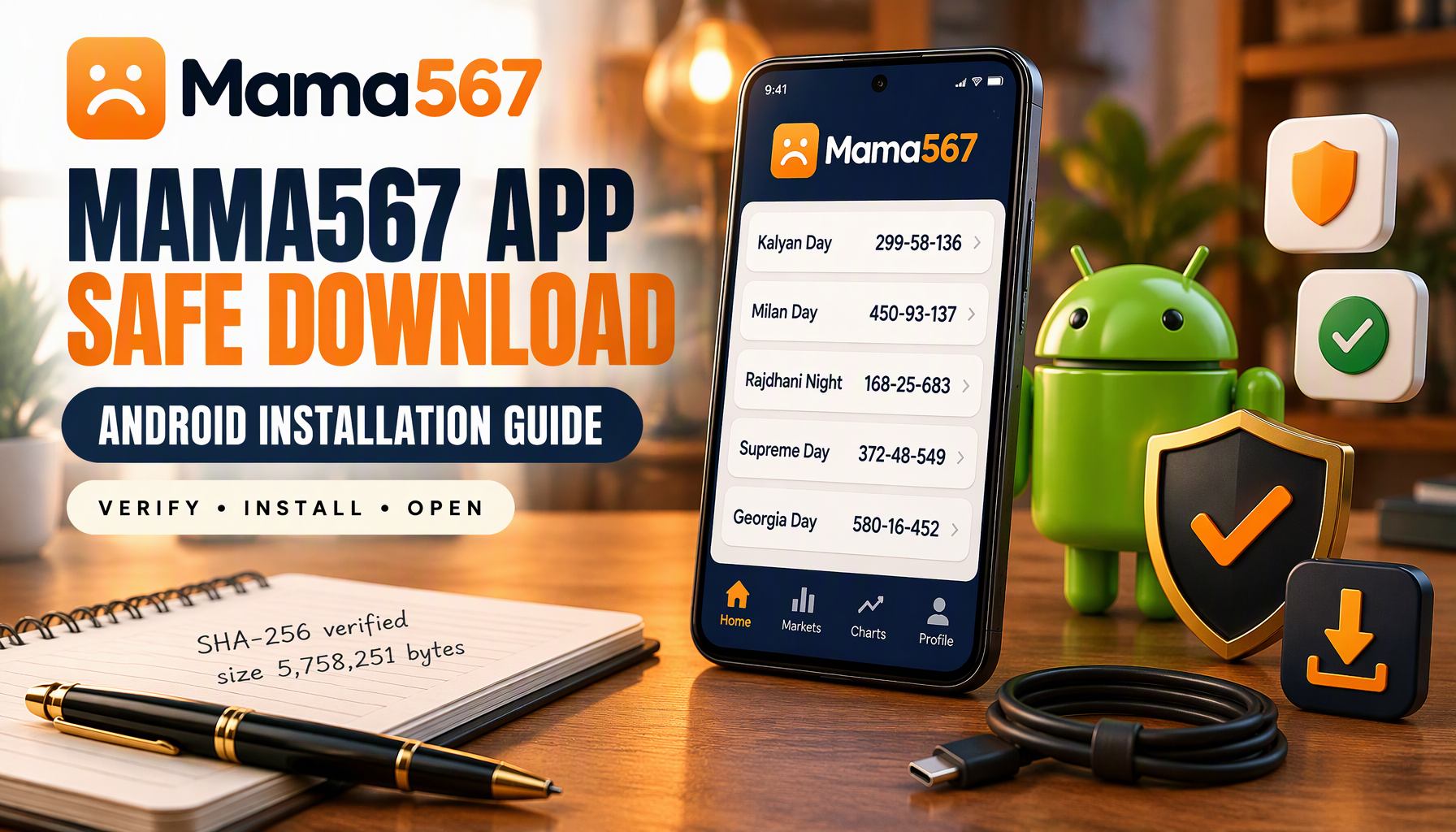
mama567.apk, about 5.5 MB (5,758,251 bytes).
If the number you see is wildly different — 50 MB, or a few hundred kilobytes — the transfer did not complete or the file is not ours. Delete it and start again.
What to avoid, in order of how often we see it: APK "mirrors" that repackage our app with an SDK bolted on; chat forwards with a fresh link because "the old site got taken down"; modified builds advertised with extra points or free bets; and any page that makes you disable Play Protect before installing. A clone cluster around this brand exists across the internet, and an APK is the easiest thing in the world to rename. The only chain of custody worth trusting is the one where you typed the address yourself.
Step 2 — Open the install sheet
Android 8 and later do not have a single "unknown sources" switch, which confuses people every time. Permission is granted per app, for the app that launches the installer — usually Chrome or the Files app.
- Tap the downloaded file, in the notification shade or in Files → Downloads.
- Android shows the package name, the app label, and the permissions the app will hold. Read that list before tapping anything.
- If it says settings are needed, you land on Install unknown apps for that browser or file manager. Toggle Allow from this source, then press back.
- Tap Install. A few seconds later you get Open.
- Go back to Settings → Apps → Special app access → Install unknown apps and switch the toggle off again. It did its job.
Leaving that permission on is the part that bites people later. It is the difference between "I installed one app today" and "any file manager on my phone can install anything at any time."
What the app asks for — and what it does not
The installer screen is a summary; the real list lives in the manifest, and it is short enough to publish in full.
| Declared | What it is for |
|---|---|
INTERNET |
Reaching the same results API the website uses |
ACCESS_NETWORK_STATE |
Knowing whether you are online before it tries |
POST_NOTIFICATIONS |
Result and market alerts, on Android 13 and newer |
VIBRATE |
Haptics on prompts |
WAKE_LOCK |
Keeping a push delivery alive briefly |
| Firebase/C2DM internals | Delivering push messages; not user-facing data access |
And what is absent matters more: the manifest declares no permission for contacts, SMS, call log, camera, microphone, precise location or shared storage. A chart reader has no use for any of them, and this one does not ask. If a prompt ever appears for something outside the table above — including the "allow notifications" dialog on first launch, which is genuinely optional — declining it is the correct reflex.
One more honest note. The package also permits unencrypted HTTP requests — a Capacitor setting left open in this build — which is not a reason to panic but is a reason to avoid typing payment or personal details on public Wi-Fi inside the app. Treat an open network as a reading network.
The manifest also registers payment-app intent queries and a payment callback scheme, which means app screens can hand you off to an external UPI app such as PhonePe, Paytm or Google Pay. That is a capability of the wallet side of the app, not of this website. If you never deposit, you will never see that handoff — and if you do decide to use the wallet, the rules that govern getting money back out are the reason to read How to play first: the app publishes a minimum deposit, a minimum withdrawal, a daily withdrawal cap and a fixed request window, and those numbers decide whether a balance is usable or stranded.
Step 3 — Verify what you actually installed
Two checks, one of which takes ten seconds.
The identity check. Open Settings → Apps → Mama567 → App info. The header shows the version; tap the menu for App details and confirm the package reads com.mama567.app. That string is the app's real name. A clone that imitates the icon and label will have a different package, and that is where it gives itself away.
The file check. A hash answers one question only: is this the exact file we published? The build described on this page is:
| Attribute | Value |
|---|---|
| File | mama567.apk |
| Size | 5,758,251 bytes (about 5.5 MB) |
| Package | com.mama567.app |
| Version label | 1.0.0 |
| SHA-256 | 39d41929017ea27d0f0c1dbfd4121cbe81ffa7d2382222a096097c9c7f80955f |
On a desktop, certutil -hashfile mama567.apk SHA256 on Windows or sha256sum mama567.apk on Linux gives the string directly. On Android, any reputable hash tool returns the same sixty-four characters. Match means the file was not modified in transit or after it. A mismatch is not automatically a virus — it usually means the app has been updated since this page was written, and a newer build will carry a different hash and a higher version label. It does mean you should stop treating the two as the same file.
Under the hood this is a Capacitor app: an Android shell with a bundled web front end, which is why the download is 5.5 MB rather than the tens of megabytes a native betting client would cost. It also means the app is only as current as the bundle inside it — when the app and the website disagree about a number, the published chart on this site is the checkable original.
When the install refuses
- "App not installed" — the most common cause is a half-finished download, so delete and re-fetch. The second cause is an older build from a different publisher sitting under the same package name; uninstall that, then install.
- Play Protect warns or blocks — do not override it. Re-download from the official site and try once. If the fresh file still trips a specific warning, the safe conclusion is that this build is not the one to install on that device.
- The installer greys out — not enough storage, or the device is running an Android release too old for this package. Free space or update the OS; there is no APK-side fix for either.
- Installed, but no icon — some launchers need a restart to show a newly added app. Pull down the app drawer search and type the name before assuming it failed.
- Installed and opening, but misbehaving — a frozen board, a session that keeps expiring or a silent notification tray is a different problem from an install that refused, and it has its own order of checks in How to Troubleshoot Common Mama567 App Issues. For specific startup crashes and authentication errors, consult our App Login & Crash Troubleshooting Guide.
On iPhone and iPad
There is no iOS build, and pretending otherwise would mean inventing an App Store listing that does not exist. The supported route is the one Apple provides for exactly this case:
- Open mama567apps.com in Safari.
- Tap Share, then Add to Home Screen.
- Name it and confirm. A full-screen icon appears, and it opens the same live charts, today's results and market list as the website.
You keep the same data and the same update moment as every other visitor. What you do not get is push notification delivery, which is the one genuine difference between the pinned site and the Android app.
After installing
Give it one honest test before you rely on it: open a market you already read on the website — say the Kalyan pana chart — and check the app shows the same declared line for the same day. It should. If it does not, trust the charts index, because that is the surface we control and date-stamp publicly.
Then learn what you are looking at. The beginner guide to reading pana and jodi charts covers the open, close and jodi format, Understanding Jodi and Pana walks the arithmetic behind each cell, and the glossary defines every term the app puts on a screen.
One thing no download changes: nothing in this app predicts a result. Charts are records. Outcomes are not forecastable from them, satta matka is illegal in most Indian states, and money staked in the app's game can be lost in full. If you use the wallet, set a limit before you deposit and keep the app honest with the responsible play guide beside it — and note that the app ships no deposit caps or self-exclusion switch, so the limits are yours to build; What is Responsible Gaming? covers how.
Download the official app from mama567apps.com — one file, one package name, no store intermediary, and the fingerprints above to check it against.
For information only. Mama567 publishes results and charts, and does not offer predictions or guessing services. The Android app is a separate product with its own wallet rules, described on our How to play page. Satta matka is illegal in most Indian states. Adults 18+.