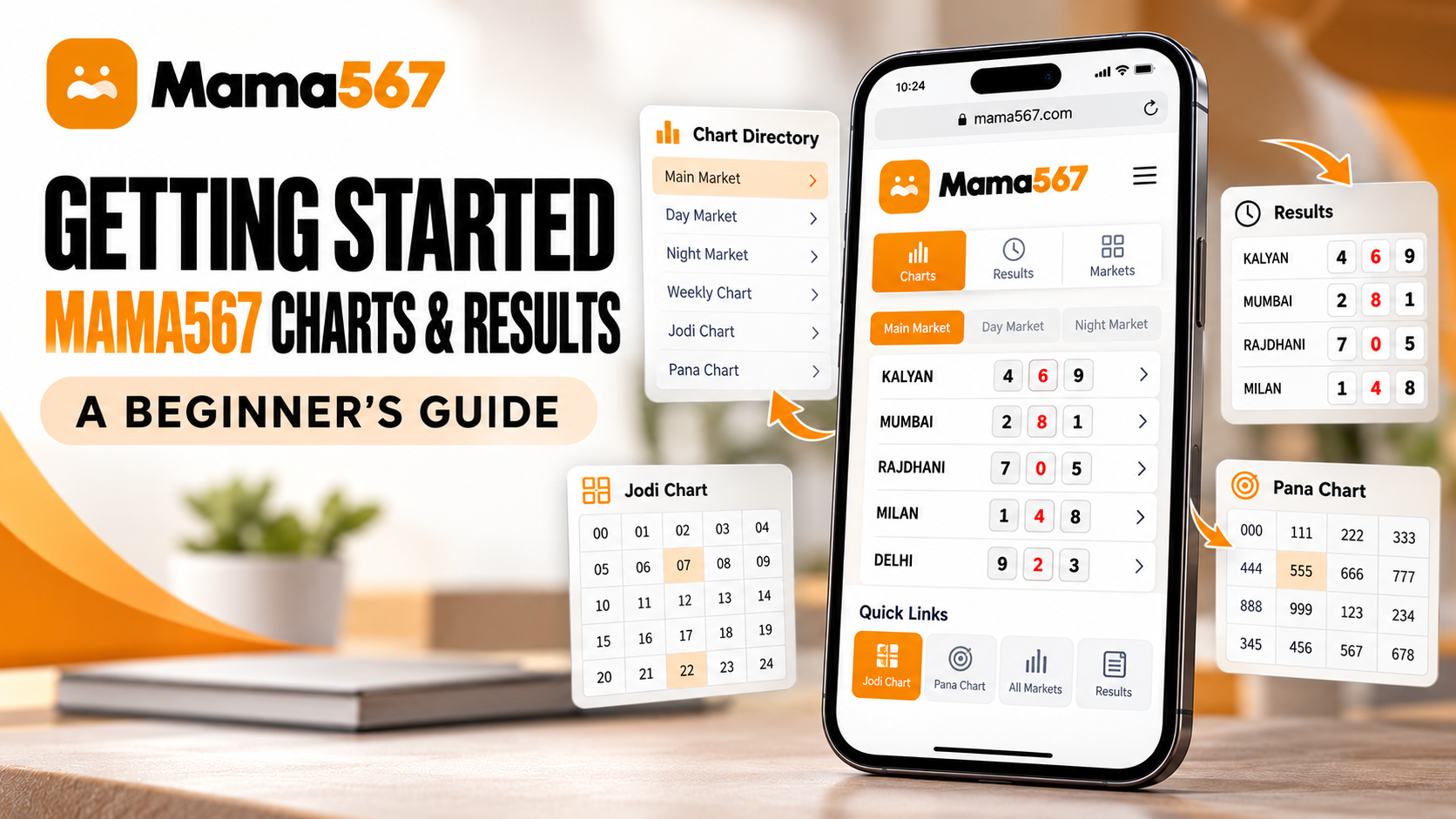
When visiting Mama567 for the first time, new readers often want to know two things immediately: how to find the specific market they are following, and whether they need to register an account before opening a chart. The short answer to the second question is simple: no account, registration, or sign-in is required. Every chart, market timing card, and historical result board on Mama567 is open to the public without paywalls or login forms.
This onboarding guide walks you through the practical structure of the Mama567 website. You will learn how to navigate the homepage, locate your chosen market among the 19 tracked options, understand whether to open a Jodi or Pana chart, read standard three-part result lines accurately, and make sense of weekly dates and placeholder symbols.
If you are completely unfamiliar with the underlying terminology of Indian matka markets, you may also want to bookmark our background overview of What is Satta Matka? and our explanation of Jodi and Pana Terminology to reference alongside this guide.
Do You Need an Account to Use Mama567?
Many online services require visitors to create an account, supply an email address, or verify a phone number before showing historical data. Mama567 does not operate this way.
The platform is designed strictly as an open informational archive. As stated across our Terms & Conditions and Privacy Policy, Mama567 does not operate a user registration system, maintain user profiles, store personal login credentials, or process financial transactions. You will never encounter a login prompt, a "create account" screen, or a password reset link while browsing the site.
Every visitor has identical, unrestricted access to:
- The live homepage with real-time status badges for active markets
- The complete all charts index
- Individual weekly pana boards (such as the Kalyan pana chart)
- Condensed weekly jodi grids (such as the Kalyan jodi chart)
- The latest declared results page
- The full markets and timings directory
- All educational articles and the glossary of terms
If you ever encounter a third-party website or social media channel claiming you must pay for a "Mama567 member account" or register an account to view "exclusive chart leaks," recognize it immediately as an impersonation scam. Mama567 publishes all of its records publicly for adults 18 and older.
How to Navigate the Mama567 Homepage
The Mama567 home page serves as the primary dashboard for quick market inspection. The layout is organized into distinct functional areas that allow you to check declarations without getting lost in extraneous clutter:
1. Top Navigation Bar
At the very top of the page, the header displays the Mama567 brand logo alongside direct links to:
- Home: Returns to the live dashboard.
- Charts: Opens the master index of all pana and jodi chart links.
- Blog: Accesses editorial articles, how-to guides, and safety information.
- Download App Button: Provides a direct link to download the official Android package (
/mama567.apk).
2. Live Market Result Cards
Directly below the introductory section sits the main grid of market cards. Each card represents one specific market (such as Kalyan, Milan Day, or Rajdhani Night) and displays:
- Market Name: Clearly stated at the top of each card.
- Declared Result: The three-part result line showing open patti, jodi, and close patti.
- Draw Timings: The specific open and close cut-off times in Indian Standard Time (IST).
- Status Indicator: Color-coded badges indicating whether the market is currently running, open for bids, or closed for the day.
- Direct Chart Buttons: Two yellow buttons at the base of each card labeled Pana Chart and Jodi Chart that lead straight to that market's dedicated archive page.
3. Site Footer Directory
At the bottom of every page, the comprehensive footer provides structured navigation links categorized into Site links, Jodi charts, Pana charts, and Legal & safety policies (including our Editorial & Data Policy and Responsible Play Guide).
How to Find the Market You Are Looking For
Mama567 tracks 19 distinct Indian matka markets. Because several markets share similar naming roots, confirming the exact name and draw time of your target market is essential before opening a chart.
For example, notice the differences between these commonly tracked sessions:
- Kalyan: Operates in the late afternoon (typically 04:15 PM open to 06:15 PM close IST).
- Kalyan Morning: An independent morning draw operating from 11:25 AM to 12:25 PM IST.
- Kalyan Night: An evening market running from 09:10 PM to 11:10 PM IST.
- Milan Morning, Milan Day, and Milan Night: Three separate sessions occurring at different hours of the day.
To locate your market quickly:
- On the Home Page: Scroll through the market card grid. Each card displays its specific schedule beneath the market title.
- From the Charts Directory: Navigate to
/charts/where every market is grouped alphabetically with side-by-side links for its Pana and Jodi boards. - From the Markets Directory: Visit
/markets/to view a comprehensive schedule table showing operating days, open bid cut-offs, and close bid cut-offs for every market.
Always verify that the title at the top of the chart page matches your intended market and time session. Viewing Kalyan Night when you meant to check daytime Kalyan will present entirely different numbers and dates.
Jodi Chart vs Pana Chart: Which One Should You Open?
Once you locate your market, you will see two chart options: Jodi Chart and Pana Chart. Choosing between them depends on the level of detail you need:
| Feature | Jodi Chart (/jodi/[market]/) |
Pana Chart (/pana/[market]/) |
|---|---|---|
| Data Resolution | Two-digit pair only (e.g., 31, 08, 44) |
Full open patti, derived jodi, and close patti |
| Cell Format | Single two-digit number per cell | Stacked three-line layout inside each cell |
| Best Used For | Scanning multi-week streaks, pair patterns, and double digits | Verifying exact three-digit open and close declarations |
| Grid Layout | Weekly rows (Monday through Sunday) | Weekly rows (Monday through Sunday) |
| Reading Difficulty | Very simple for beginners | Requires understanding open/close patti stacking |
When to Open the Jodi Chart
If you only need to know the final two-digit outcome of each day, open the Jodi chart. Because each cell contains only a two-digit number, the grid is compact and easy to scan over dozens of historical weeks without visual clutter.
When to Open the Pana Chart
If you need to verify the exact three-digit numbers declared during both the opening and closing draw sessions, open the Pana chart. Each cell stacks the open pana on top, the resulting jodi in the middle, and the close pana underneath.
For in-depth tutorials on reading each layout, consult our guides on How to Read Satta Matka Pana & Jodi Charts and our step-by-step walkthrough of How to Read a Kalyan Panel Chart.
How to Read a Result Line
On the home page cards and the latest results page, results are presented in a standard three-part format:
[Open Pana] - [Jodi] - [Close Pana]
Consider this illustrative example (labeled strictly for demonstration):
346 - 31 - 128
Here is what each component represents:
- Open Pana (
346): The three-digit number declared at the market's opening session. In mathematical terms, its digits add up to3 + 4 + 6 = 13. Taking the last digit gives an open single ank of 3. - Close Pana (
128): The three-digit number declared at the market's closing session. Its digits add up to1 + 2 + 8 = 11. Taking the last digit gives a close single ank of 1. - Jodi (
31): The two-digit combination created by joining the open single ank (3) and the close single ank (1).
The Rule on Leading Zeroes
When reading jodi numbers, always preserve leading zeroes. In matka conventions, digits range from 0 to 9. If an open ank is 0 and a close ank is 8, the resulting jodi is written as 08, not simply 8. Retaining the two-digit structure is critical because 08, 80, and 88 represent completely distinct combinations.
If a market has completed only its opening draw, the result line will appear partially filled, such as 346-3*-***. This simply means the closing session has not yet taken place.
Understanding Dates, Market Timings and Incomplete Entries
When reviewing chart tables on Mama567, keeping these four layout principles in mind will prevent confusion:
1. Reverse Chronological Rows
In both Pana and Jodi charts, the table is structured with one row per calendar week, divided into seven columns from MON to SUN. The newest week sits at the very top of the table. As you scroll downward, you are reading backward into historical archives.
2. What Asterisks (***) Mean
If you see three asterisks (***) in a cell, it indicates that no result has been declared for that session. This occurs for three routine reasons:
- Draw Time Has Not Arrived: The declaration has not yet occurred today.
- Market Closed on That Day: Several major markets do not run every day. For example, Kalyan Night, Rajdhani Night, and Main Bazar operate Monday through Friday only; their Saturday and Sunday cells will always display asterisks.
- Verification in Progress: The declaration is undergoing verification before being published.
An asterisk is a placeholder symbol representing missing or pending data; it does not carry a numerical value of zero.
3. Draw Cut-Off Timings
Each market card prints explicit Open Bids and Close Bids hours in Indian Standard Time (IST). For a detailed look at how cut-off windows relate to declarations, consult our guide to Understanding Open & Close Results and Market Timings.
4. Data Snapshots and Freshness
Mama567 serves pre-rendered static charts to ensure lightning-fast page loading and stability. Each chart page prints the date of the newest result it holds. While live cards update promptly during market hours, if you are checking immediately after a declaration, pull down to refresh the page to bypass local browser caching.
How to Use Mama567 on a Mobile Phone
Most readers check charts and results from a smartphone. Mama567 is engineered to deliver a seamless mobile experience across all modern devices:
Mobile Browser Experience
Opening https://mama567apps.com/ in Google Chrome, Safari, Firefox, or Samsung Internet automatically loads the responsive mobile layout. Market cards stack vertically for easy scrolling, navigation menus collapse into a streamlined header, and wide multi-column chart tables feature horizontal touch scrolling so you can swipe sideways to view weekend columns without layout breaking.
Android APK Access
Android users who prefer launching Mama567 directly from their app drawer can download the official APK (mama567.apk, ~5.5 MB) from the top of the homepage. Sideloading requires standard unknown-sources permission for your browser. For a comprehensive walkthrough on inspecting the download and keeping device protections active, read our Mama567 App Download Guide.
iPhone and iPad Access (Safari Home Screen Shortcut)
Apple does not permit sideloading external .apk packages, and Mama567 is not listed on the Apple App Store. iPhone and iPad users can achieve a native-like experience by opening https://mama567apps.com/ in Safari, tapping the Share button, and choosing Add to Home Screen. This places a fast one-tap web clip on your home screen without requiring any file downloads or configuration profiles.
Common Beginner Questions
Do I need an account to use Mama567?
No. All charts, live results, market timings, and educational guides on Mama567 are free to read with no account required. There is no registration form, login page, or subscription fee.
Where can I find Mama567 charts?
You can access charts by clicking Charts in the top navigation bar, visiting the all charts index, or tapping the Pana Chart or Jodi Chart buttons on any market card on the home page.
What is the difference between a Jodi chart and a Pana chart?
A Jodi chart records the daily two-digit outcome (open ank joined with close ank), making it ideal for scanning trends across weeks. A Pana chart shows the complete three-digit open and close patti numbers alongside the jodi in every cell.
How can I find a past result?
Open the specific market's chart page. The current week appears in the top row. Scrolling down reveals previous weeks in reverse chronological order, allowing you to browse past records without leaving the page.
What does *** mean in a chart?
Three asterisks indicate that a result has not yet been declared for that slot. It represents an upcoming draw, an undeclared session, or a day when the market does not run. It does not mean zero.
Why might the newest result not appear immediately?
Results are published shortly after each market's declaration is confirmed. If a draw occurred moments ago, refresh your browser tab to clear temporary cache and retrieve the freshest data.
Can I access Mama567 charts on my phone?
Yes. The entire site is mobile-friendly and adjusts to any screen size. You can browse via mobile web browsers, download the official Android APK, or create an iPhone home-screen shortcut via Safari.
Does Mama567 provide predictions or guessing numbers?
No. Mama567 is strictly an informational record-keeping service. It publishes declared results and historical charts. It does not sell tips, offer guessing services, or promise winning numbers.
Conclusion
Getting started with Mama567 is straightforward because there are no registration barriers, paywalls, or account setups to navigate. By understanding how the homepage organizes live cards, distinguishing between condensed Jodi charts and detailed Pana panel boards, and reading result lines with leading zeroes preserved, you can consult historical records and verify daily declarations with confidence.
To begin exploring the platform:
- Visit the home page to inspect today's active market statuses.
- Browse the complete charts directory to view archives for Kalyan, Milan, Rajdhani, and other major markets.
- Check our frequently asked questions or consult the glossary of matka terms whenever you encounter unfamiliar terminology.
Educational and Informational Notice: Mama567 is a digital publication providing chart records and market declaration data for informational purposes only. Mama567 does not accept bets, operate gambling facilities, or sell predictions. Satta Matka is legally prohibited in most Indian states. Users are solely responsible for complying with the legal statutes of their jurisdiction. Content is intended strictly for adults aged 18 and older.