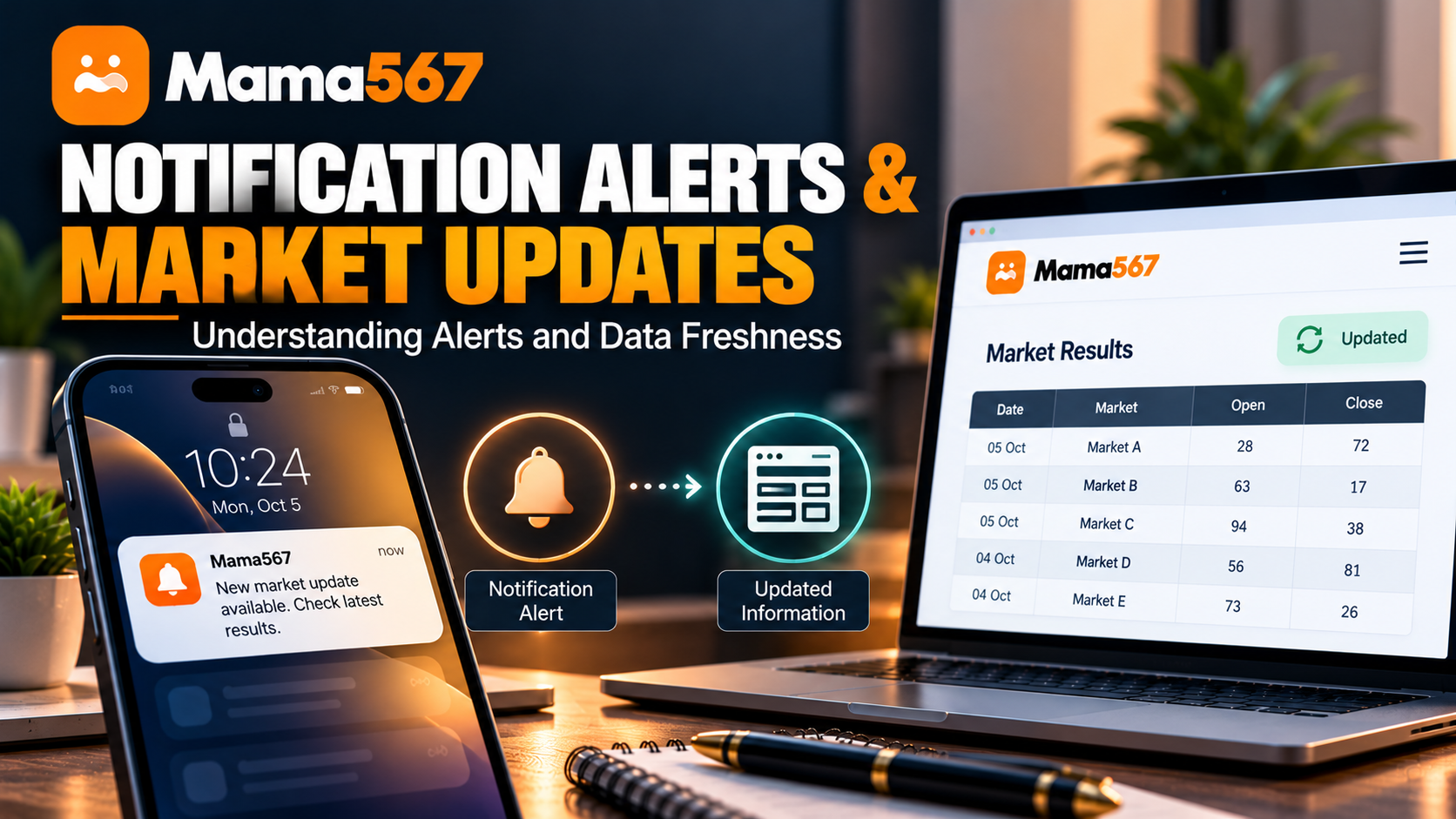
Keeping track of market declarations across multiple timings requires reliable information. Readers who monitor open and close results often rely on different digital tools—some keep website tabs open on their desktop browsers, while others install mobile applications to receive updates directly on their smartphones. However, terms such as "real-time alerts," "push notifications," and "live data" are frequently used interchangeably, creating confusion about how information actually moves from a market declaration to a user's screen.
A common point of confusion among Mama567 visitors stems from seemingly conflicting statements across published guides. The Live Results Guide states that the website does not operate an automated notification service or send results over WhatsApp. Conversely, the App Download Guide notes that the Android application requests notification permissions to deliver market alerts.
Both statements are technically accurate within their respective environments. The public website and the Android mobile application operate on entirely different technical architectures.
This technical analysis clarifies Mama567 market result notifications, compares push delivery with browser polling, explains how Android permissions function, and outlines the real-world factors that govern data freshness.
For related technical reading, explore our Mobile Website Tips, our App Troubleshooting Guide, and our Data Privacy and Encryption Standards.
What Is a Notification Alert?
A mobile notification alert is an operating system mechanism that displays informational messages outside an application's normal user interface. When an event occurs—such as a market closing, an updated record being published, or a system notice being issued—the operating system displays a visual banner in the notification shade, sounds an alert, or vibrates the device.
In modern Android architecture, notifications are categorized into two fundamental types:
- Local Notifications: Generated directly by an application running on the device, typically triggered by local alarms, countdown timers, or background background tasks without requiring external messaging servers.
- Remote Push Notifications: Dispatched from a remote backend server through a specialized push gateway—most commonly Google's Firebase Cloud Messaging (FCM)—to deliver messages to the device even when the application is minimized or closed.
Crucially, having permission to display notifications is not the same as receiving continuous, instant alerts. A declared system permission allows software to post to Android's notification tray, but actual delivery depends on active server dispatching, valid device registration tokens, and device operating conditions.
How Notifications Differ From Automatic Page Refreshes
The core reason why website visitors and mobile app users experience result updates differently lies in the distinction between client polling and push delivery.
1. Website Behavior: Client-Side Polling
When you view the live market board on the Mama567 website homepage (mama567apps.com), the webpage maintains freshness through client-side HTTP polling:
- An internal JavaScript timer (
setInterval) executes every 15 seconds while the browser tab remains active. - The script sends a lightweight HTTP request to the central public API endpoint (
https://api.mama567apps.com/api/markets). - If an open or close pana has been declared, the DOM updates in place.
- Website Limitations: If you close the browser tab, minimize the window on certain mobile browsers, or lose your internet connection, polling ceases immediately. The website cannot "wake up" your browser or send an alert to your lock screen. Furthermore, archival chart pages (such as
/results-today/and/charts/) follow scheduled static rebuild cycles rather than continuous polling.
2. Android App Behavior: Cloud Push Delivery
The Mama567 Android mobile application (mama567.apk) implements a native push pipeline:
- The compiled package includes the Firebase Cloud Messaging client and declares
com.google.android.c2dm.permission.RECEIVEalongsideandroid.permission.POST_NOTIFICATIONS. - When an authorized user logs into the app, the client registers a unique FCM device token with the backend service.
- When an administrative alert or result event is broadcast, the server dispatches a push payload to Google's messaging gateway, which routes the packet to the recipient device.
- App Advantage: The message appears in the Android notification shade regardless of whether the app is actively open on the screen.
| Technical Metric | Public Website (mama567apps.com) |
Android Application (mama567.apk) |
|---|---|---|
| Delivery Mechanism | Client-side HTTP polling (15-second interval). | Remote push messaging via Firebase Cloud Messaging (FCM). |
| Background Operation | None. Polling stops when the browser tab is closed. | Operates in background via system push service. |
| System Permission | No OS permissions requested; operates in browser sandbox. | Requests POST_NOTIFICATIONS, VIBRATE, and WAKE_LOCK. |
| Authentication Dependency | Zero. 100% free to read without accounts or tokens. | Push tokens require an active, authenticated user session. |
| WhatsApp / SMS Delivery | Not supported. No chat alerts or messaging bots exist. | Not supported. Alerts are restricted to the Android system tray. |
What Triggers a Notification?
In the Mama567 Android application, notifications are not generated continuously or at random. Based on codebase audit findings, notifications are tied to specific backend events and session states:
- Declared Market Result Events: When an operator publishes verified open or close digits to the central API feed, a server-side routine queues an alert payload to active subscriber tokens.
- Administrative and Service Notices: Important platform announcements—such as scheduled server maintenance, bank settlement delays, or market holiday notices—are broadcast to inform users of operational changes.
- Session Lifecycle Alerts: The application triggers local alerts when user credentials expire (e.g.,
"Session has expired. Please log in again"), prompting the user to re-authenticate.
It is equally important to document what does not trigger a notification. The platform does not generate automated tip broadcasts, prediction alerts, or promotional wagering teasers. Furthermore, logging out deliberately unregisters the device token, ensuring that signed-out devices remain silent.
Does a Notification Mean the Underlying Data Is Current?
A critical misconception among users is assuming that the arrival of a push notification guarantees that the displayed information is instantaneous or error-free. In distributed network systems, multiple timestamps govern an update:
- Declaration Time: The moment market officials declare the winning pana.
- Feed Ingestion Time: The moment the declared numbers are entered and validated in the central database.
- Push Broadcast Time: The moment the server queues the push message with FCM.
- Device Receipt Time: The moment the physical smartphone receives the packet and renders the banner.
- Cache / Page Refresh Time: The moment the user taps the notification and the application renders the updated screen.
Network congestion, cellular handoffs (such as switching from Wi-Fi to 4G/5G), and server queue latency can introduce delays ranging from several seconds to several minutes. A notification reflects an informational event that occurred at a specific recorded moment; it should always be cross-referenced against the "as-of" date and declared timestamps shown on the official Results Today page.
Notification Permissions and User Control
With the release of Android 13 (API level 33), Google introduced significant privacy enhancements governing notification delivery. Applications can no longer post notifications automatically upon installation; they must explicitly request runtime permission.
How Android Permissions Function
- Explicit Consent: When launching the Mama567 Android app for the first time, Android displays a system dialog asking: "Allow Mama567 to send you notifications?"
- Optional Feature: Granting notification permission is entirely optional. Declining the prompt does not disable market chart access, wallet checking, or result verification within the app; it simply means updates will not appear in your system tray.
- Granular System Controls: Users do not need to rely on in-app toggles to manage notifications. Android provides native controls accessible via Settings > Apps > Mama567 > Notifications:
- All Notifications: Master toggle to allow or block all app alerts.
- Silent Delivery: Allows notifications to appear in the tray without making a sound or vibrating.
- Lock Screen Privacy: Hides sensitive notification text on the lock screen until the device is unlocked with fingerprint or PIN.
What If Notifications Do Not Appear?
If you have installed the Android application but notifications fail to arrive, the issue is almost always caused by operating system battery optimizations or session invalidation rather than platform failure:
- Verify Operating System Permissions: Open your phone's Settings > Apps > Mama567 > Notifications and ensure that notifications are set to "Allowed."
- Check Active Session Status: As documented in our App Troubleshooting Guide, notification tokens are registered only while a user session is active. If you manually logged out or logged into another device, the previous device token is unregistered. Logging in again re-establishes the push pipeline.
- Disable Aggressive Battery Optimization: Modern Android versions use battery-saving features (such as Doze Mode and Adaptive Battery) that freeze background processes. In device settings, set Mama567's battery usage to "Unrestricted" or "Optimized" rather than "Restricted."
- Avoid Force-Stopping the App: If an application is manually force-stopped via system settings, Android prevents it from executing background push receivers until the user manually relaunches the application.
Safety Warning: Never install third-party "notification booster" utilities, disable system security protections, or download modified APKs from untrusted forums to force alerts. Legitimate notifications operate within standard Android boundaries.
Privacy and Notification Content
Notification banners appear on device lock screens where they can potentially be viewed by anyone nearby. Evaluating the privacy footprint of Mama567's notifications provides important reassurance:
- Payload Contents: Standard result alerts contain public market names and numerical declarations (e.g., "Kalyan Open: 145-0"). They do not contain personal names, telephone numbers, bank account details, or transaction histories.
- No SMS or OTP Snooping: As verified in our Data Privacy and Encryption Standards audit, the application does not request
READ_SMSorRECEIVE_SMSpermissions. The notification subsystem cannot read your private text messages or intercept banking verification codes. - No Third-Party Ad Networks: Notification channels are not connected to third-party ad brokers or tracking pixels. You will not receive unsolicited commercial advertisements through the platform's notification channel.
Limitations of Result and Update Notifications
While mobile alerts offer convenience, readers must recognize their technical and operational boundaries:
- No Delivery Guarantees: Push notifications rely on best-effort internet delivery. Neither Google nor Mama567 provides a Service Level Agreement (SLA) guaranteeing that alerts will arrive within a specified number of seconds.
- Not a Substitute for Primary Records: Push banners are brief summaries. In the event of a discrepancy or delayed delivery, the authoritative source remains the dated records published on the website's full panel charts.
- Third-Party Scam Warnings: Fraudulent entities frequently operate automated Telegram channels or WhatsApp groups promising "instant leak alerts" or "sure shot notifications" in exchange for subscription fees. These services are unverified scams. Mama567 never charges fees for results and does not operate paid notification groups.
- Legal and Responsible Play Awareness: Satta matka is a game of chance that is prohibited across most Indian states and strictly restricted to adults aged 18 and older. Real-time notifications do not alter the mathematical probabilities of random draws or reduce the financial risks of wagering. Free, confidential support for compulsive gaming is available through Gambling Therapy.
Frequently Asked Questions
What is the difference between push notifications and webpage refreshes?
A push notification is an asynchronous message sent from a server through an operating system push service (such as Firebase Cloud Messaging) to a device, waking the app or alerting the user even when the app is closed. A webpage refresh occurs when a web browser requests fresh data from an API, typically via client-side polling while the page is open.
Does allowing notifications guarantee that an alert will arrive immediately?
No. Mobile notifications depend on network connectivity, server queue processing, operating system battery-saver policies (such as Android Doze Mode), and active session tokens. Delivery delays of several seconds to minutes can occur under normal operating conditions.
Can a notification appear before the underlying webpage has refreshed?
Yes. Mobile push notifications and web frontend polling operate on separate technical pipelines. A push notification sent upon backend record creation may reach a mobile device moments before a browser tab completes its next scheduled polling interval or before a static chart page completes its automated rebuild.
Does receiving a notification prove that the underlying result is accurate?
A notification indicates only that an update payload was dispatched by the server. It does not provide cryptographic proof of accuracy. Authoritative verification requires checking dated records, pana-jodi calculations, and official market declaration feeds.
How can an Android user manage or turn off Mama567 notifications?
On Android devices, navigate to Settings > Apps > Mama567 > Notifications. Users can toggle all notifications on or off, adjust alert sounds, enable silent delivery, or configure lock-screen preview visibility without modifying account settings.
Does Mama567 offer a result notification service on WhatsApp or SMS?
No. Mama567 does not operate a WhatsApp broadcast channel, Telegram result bot, or SMS text alert service. Any unsolicited message claiming to send automated matka declarations via direct chat is unauthorized and should be treated as potential spam or fraud.